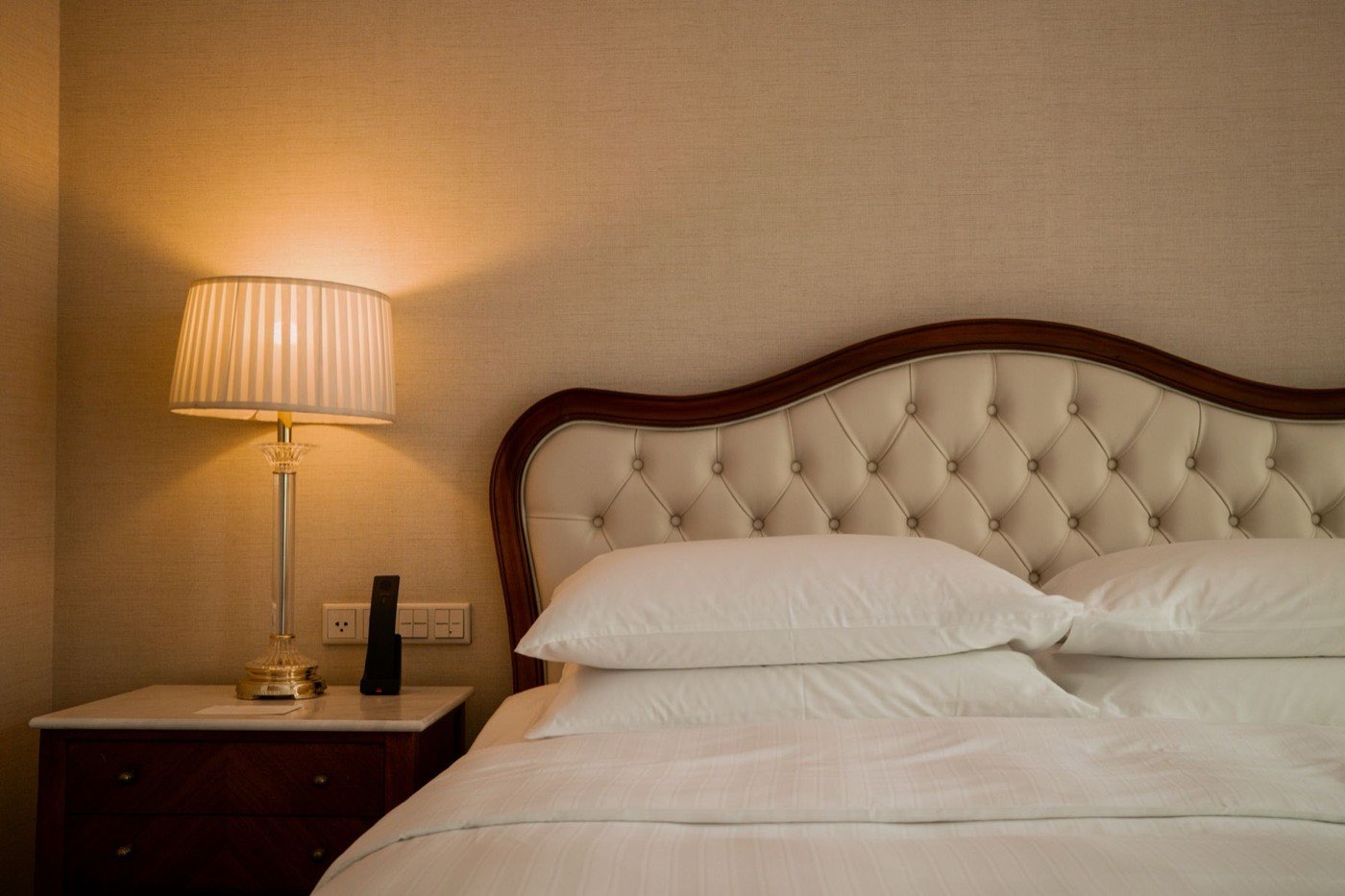
Brand standards
We design and create the standards your brand has never put on paper, and upgrade the ones you have after a rebrand, a new owner or a renovation.
GDI Worldwide writes, updates and digitizes hotel brand standards and SOPs, then runs them in the world's first complete digital ecosystem for brand standards and SOPs. Text, pictures and video on every standard.
Illustrative interface. Hotels, names and data on these screens are fictional.
Not sure which fits? Request a consultation
Modules
Brand standardsSOPsRoom setupApprovals 3Departments
Front office24 Housekeeping31 Food and beverage42 Engineering18 Spa and recreation12 Sales and events9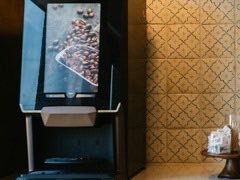 Beverage station setupFB-BEV-014
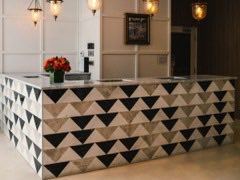 Arrival welcome at the deskFO-ARR-002
 Turndown service sequenceHK-TRN-009
 Pool towel stationsSP-POL-004
 Guest room lighting scenesEN-LGT-011
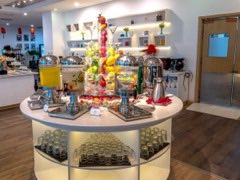 Breakfast buffet layoutFB-BRK-003Beverage station setupF&B
 Syrup and sweetener labellingF&B
Our team works with yours to turn how your hotels should run into documents people can follow: written standards and SOPs, supported by photos, videos and detailed specifications.
 Walkthrough video, 1:12
Brand standard FB-BEV-014 · version 3.3
We design and create the standards your brand has never put on paper, and upgrade the ones you have after a rebrand, a new owner or a renovation.
We create department-by-department procedures, written step by step, and update the ones you have so they match the standards they deliver.
We update after
We write the standards your brand has never put on paper, with your operators, in your format.
We review the standards you have, close the gaps and bring them in line with how hotels run today.
Step-by-step procedures that tell each team how to deliver a standard, written to be followed.
We refresh existing SOPs so they match the standards they support and stay linked to them.
We learn your brand, your operations and the standards and SOPs you already have.
We create what is missing and refresh what is out of date, standards and SOPs together.
Everything goes into the GDI platform, with picture-step and video formats where they help.
Update once, notify the right people, and keep a full history of every change.
Each one begins with a conversation about the standards and SOPs you have today.
Request a consultation
Define how your hotel looks, sounds and behaves, down to detailed specifications your teams and auditors can both use.
Discuss this job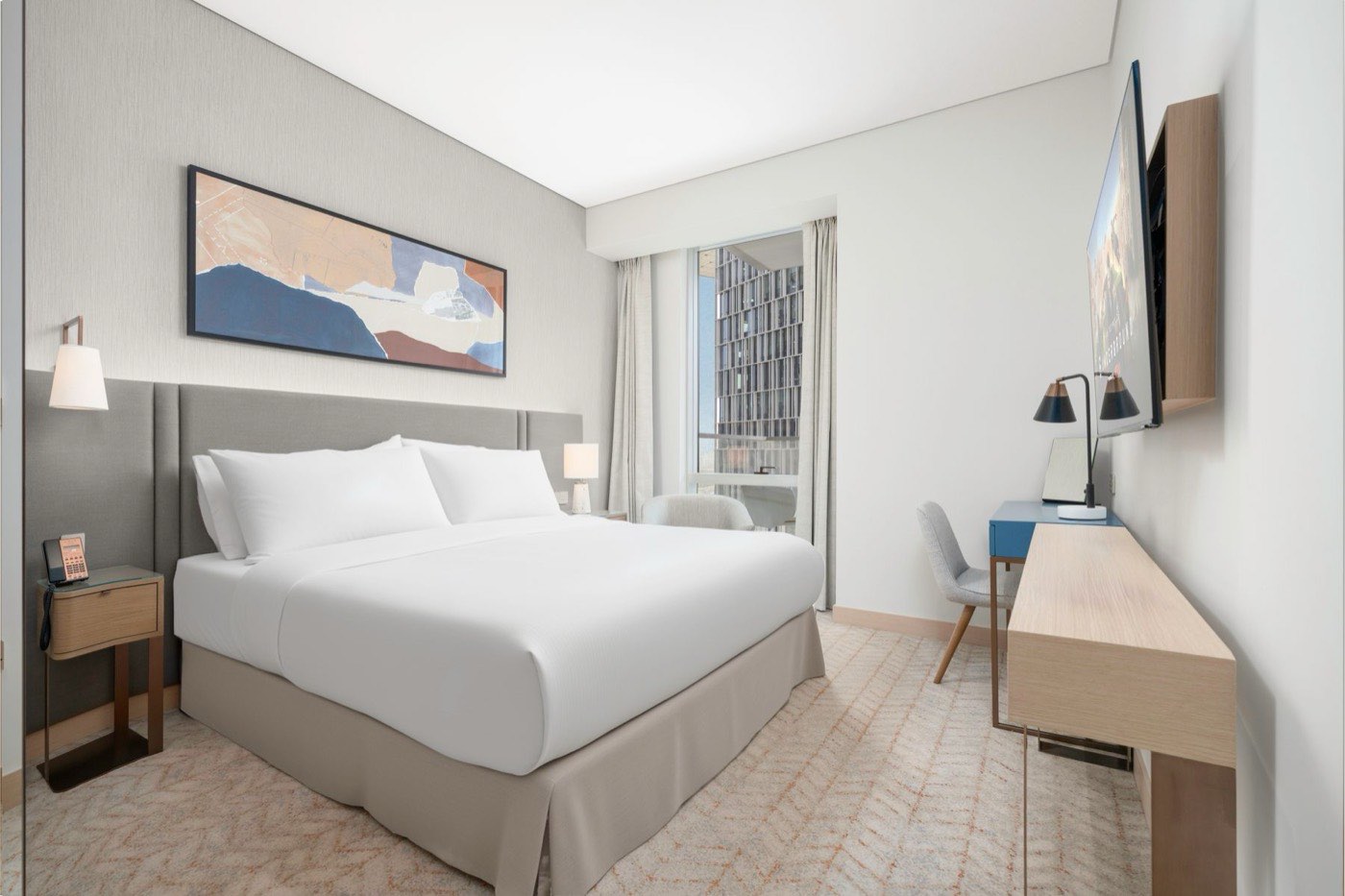
Bring existing standards up to date after a rebrand, a new owner, a renovation or gaps found in an audit.
Discuss this job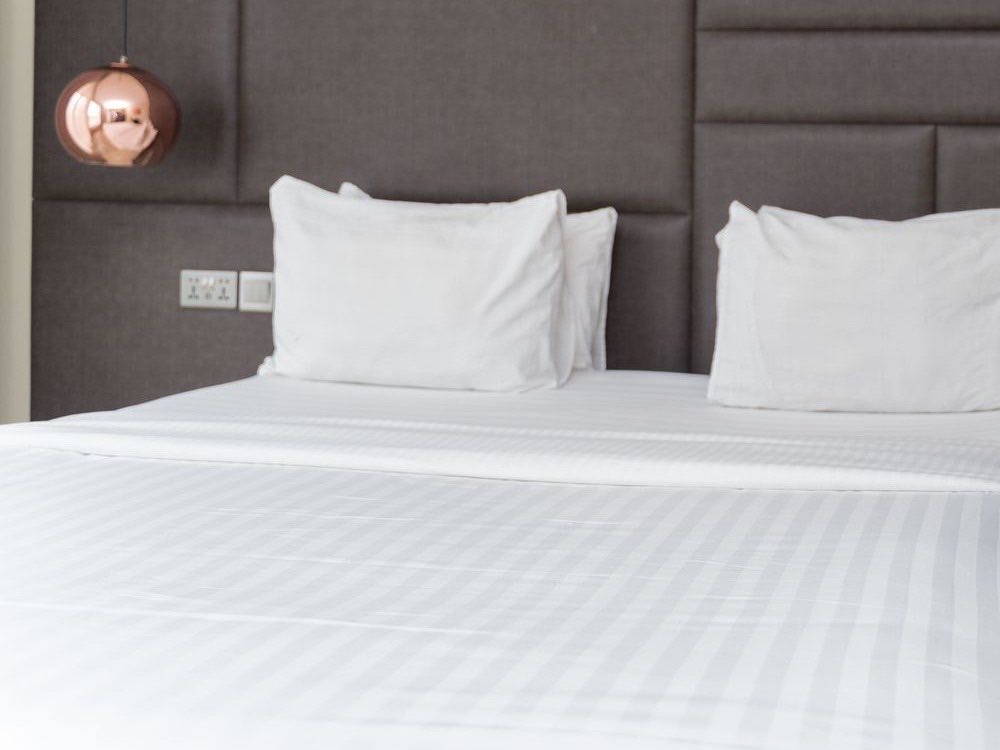
Department by department, step by step, linked to the standards each procedure delivers.
Discuss this job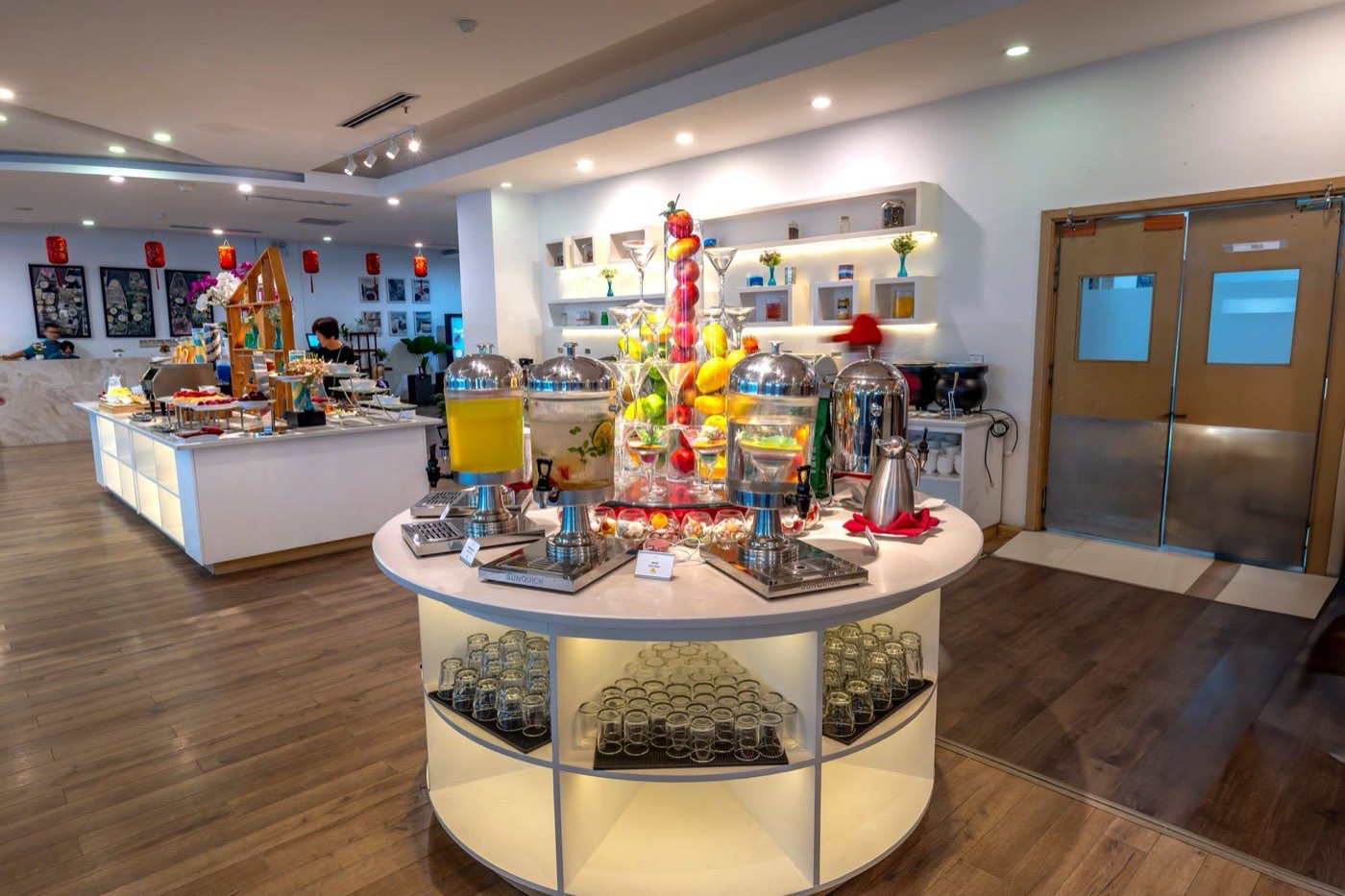
Check procedures against real practice, remove what is outdated and close the gaps.
Discuss this jobWe digitize your standards and SOPs into GDI's own platform: one library for corporate, regional and hotel teams and process owners, with text, pictures and video on every standard. Here is how it works, screen by screen.
Illustrative interface. Hotels, names and data on these screens are fictional.
1234Deluxe king, inventory placement · 4 of 6 items
A centralized home for corporate, regional and hotel teams and process owners. Browse by department, then search and filter by hotel, keyword, date range, newly added or last updated.
Choose a department to see its list.
Departments
Hotels
All hotelsHarbour WingOld Town
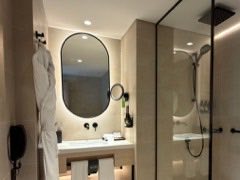
Every standard with its detail, steps, photos and videos.
Procedures that are searchable and linked to the standards they support.
A visual library of exactly how each room category is set up.
Each module links to the others, so a standard, its SOP and its room setup stay in sync.
Food and beverage / Beverage stations
1234Linked SOP: SOP FB-07 Beverage station service
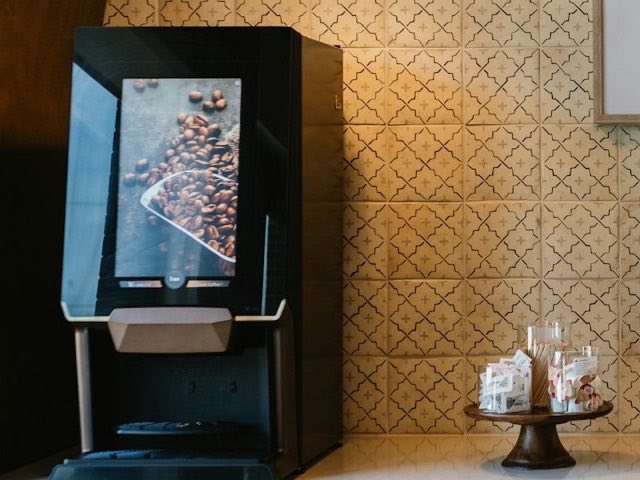 1
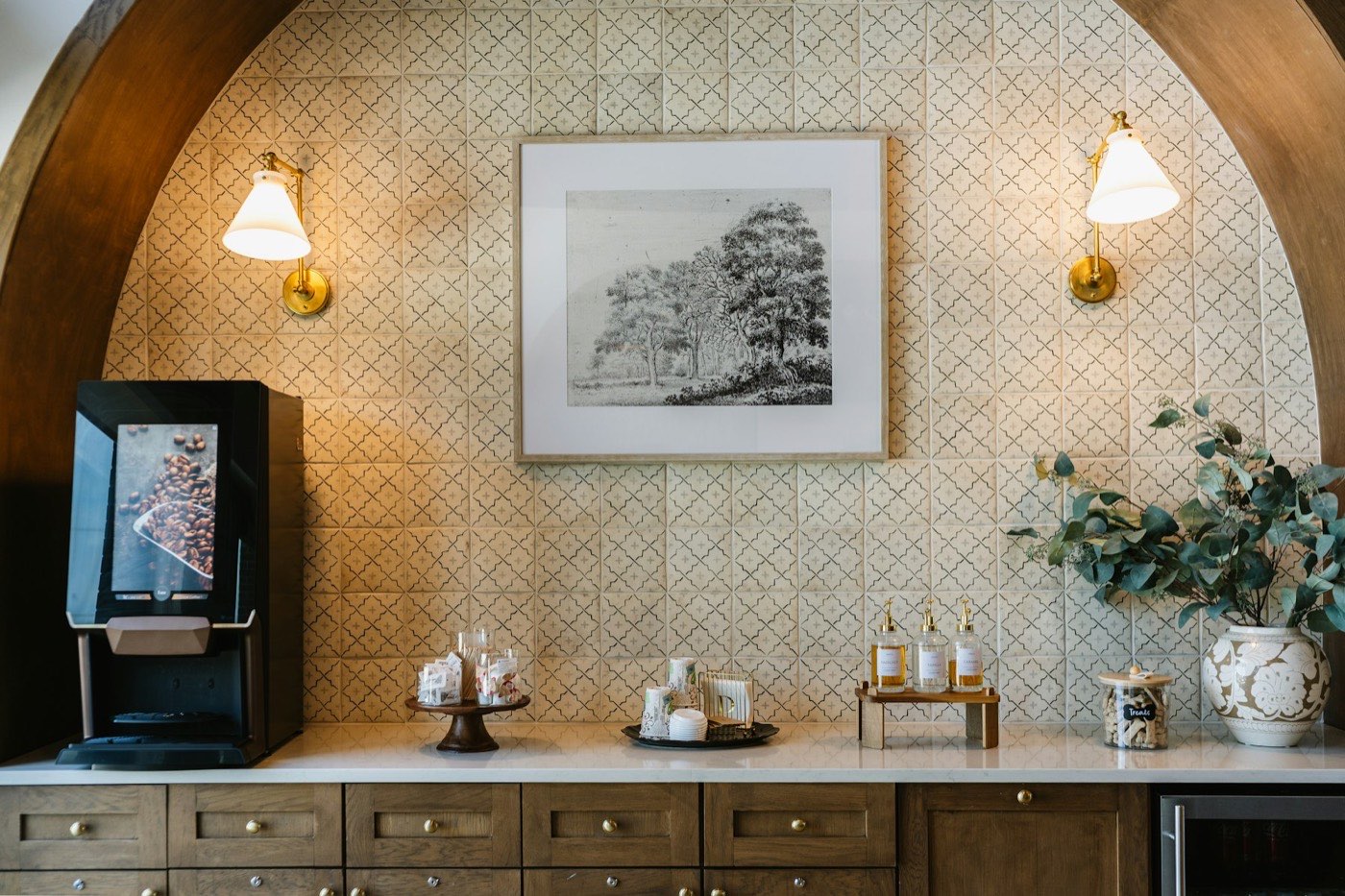
1Machine at the left end of the counter.
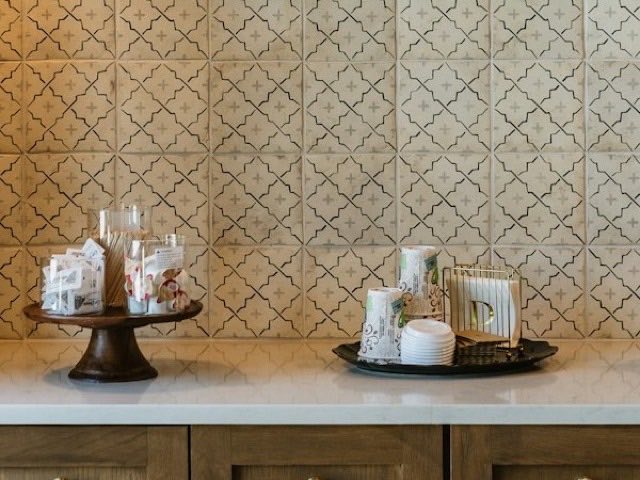 2
2Cups and lids on the tray, beside the sweets.
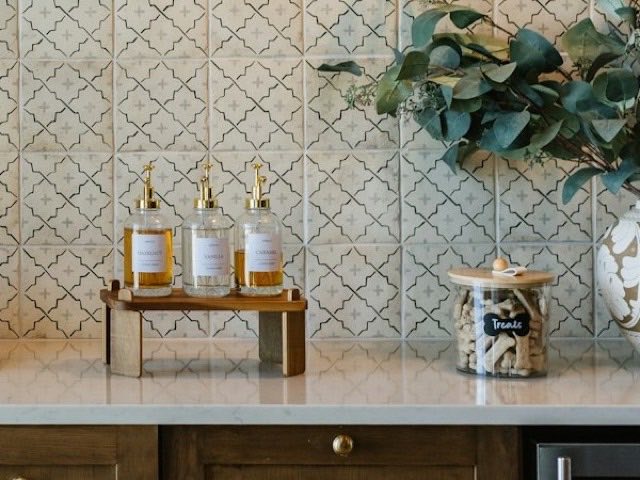 3
3Three syrups, labels facing out.
Beverage station service
Approval
Approved by regional operations
Rollout
Whole brand, 14 hotels
Analytics tag
beverage-station
Custom field
Seasonal: all year
Last edited
12 Nov, 16:42
SOP FB-07 links to
Beverage station setupSyrup and sweetener labelling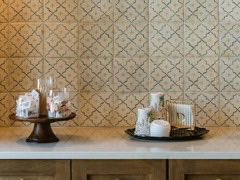 Cup and lid par levelsMachine cleaningSweets stand layout
123456
 12345
 123456
Every update is versioned, approved if you want it to be, and sent to the right people automatically. Open any earlier version, or restore it.
Version control and history log. See who changed what and when, and revert in one click.
Caramel syrup added after the menu change, and timing moved to 30 minutes. Please approve before rollout.
Our counter is shorter. Can the sweets stand sit to the right of the cups?
Version 3.3 is live. What changed: syrups, timing.
Approval and real-time updates. Built-in feedback and approval flows, with automated email notifications.
A new team member should not have to read three pages to set up a station. We convert text SOPs into picture-step and video formats they can follow on the floor.
1. Position the bean-to-cup machine at the left end of the counter, drip tray clear.
2. Set cups and lids on the tray beside the sweets stand. Lids stacked, cups by size.
3. Line up the hazelnut, vanilla and caramel syrups with labels facing out.
4. Check the machine screen shows the home menu, then switch on the wall lamps.
5. Wipe the counter and refill stirrers before the lobby opens.
11Place the machine
22Cups and lids
33Set the syrups
Check: lids stacked beside the cups, tray edge square to the counter.
Pictorial SOPs. Photo steps replace paragraphs.
Chapter 2 of 4
Video SOPs. Chaptered, searchable, attached to the standard.
A mobile app puts the current standard, with its photos and video, in the hands of the team doing the work. Updates reach them the moment they are published.
123Where. Machine at the left end, cups and lids on the tray, syrups to the right.
How. Ready 30 minutes before service opens.
Send feedbackRole-based access decides who can view, edit or approve, at corporate, regional and hotel level.
| Role | Scope | View | Edit | Approve |
|---|---|---|---|---|
| Corporate standards teamWhole brand | Brand | |||
| Regional operationsTheir region | Region | |||
| Hotel teamTheir property | Hotel | |||
| Process ownerTheir department | Department |
Feedback and approval flows keep changes controlled. The history log shows who changed what and when, and any version can be restored.
| SOP | Status |
|---|
No SOP matches. Clear the search or choose All.
SOP FB-07
Beverage station serviceUpload SOPs as PDF, Word or Excel, find any of them in seconds and link each one to the brand standards it supports.
Corporate, regional and hotel teams, and process owners, all work from the same current standard.
Fast-track new associates with text, pictures and video on every standard.
Make internal compliance simple by checking against the standard itself.
Audit against the standards in real time.
Anytime, anywhere, on mobile.
Review every property against the same, current source.
GDI Worldwide builds its standards, SOP services and software for hotel groups, brands and owners, and for the operations, quality and training teams inside them. Nothing here is a generic template.
Something else? Write to info@gdiworldwide.com.
Yes. Our standards, SOP services and software are built for hotel groups, brands, owners and the operations, quality and training teams inside them.
Yes. We can update existing brand standards and SOPs, and the platform accepts SOPs in PDF, Word or Excel. If nothing is written yet, we create them with you.
Yes. Manage a single property, a region or your entire brand, and deploy to several properties, or the whole brand, in one go.
Update it and the platform emails every relevant user with the details. Every version is stored, and the history log shows who changed what and when.
Corporate, regional and hotel teams, and process owners. Role-based access controls who can view, edit or approve, and a mobile app is available.
Yes. Teams use them for self-inspections, mystery audits and brand compliance reviews, checking against the same current source.
Tell us how your standards and SOPs are kept today. We will show you how they could run in one system.